




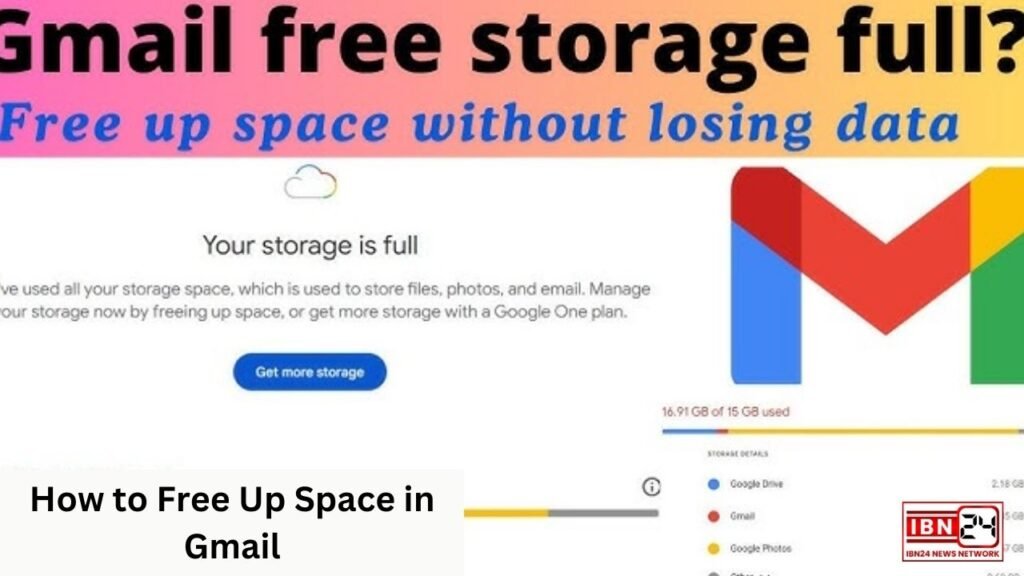
With Gmail’s free storage capped at 15 GB, shared across Google Drive, Google Photos, and Gmail itself, many users face the challenge of running out of space. When Gmail storage is full, it not only prevents you from receiving new emails but can also disrupt the flow of your daily digital life. Here’s a comprehensive guide to decluttering your Gmail inbox and freeing up storage space.
Subscribe to the IBN24 NEWS NETWORK Facebook channel today for moment-to-moment updates.
Channal Link: https://www.facebook.com/ibn24newsnetwork
How to Free Up Space in Gmail: Assess Your Storage
- Before you start deleting, it’s helpful to check which areas are taking up the most space. Google provides a breakdown of your storage usage across Gmail, Google Drive, and Google Photos. Visit to see the current storage levels for each category.
Delete Large Attachments
- Emails with attachments often take up a large portion of Gmail storage. To find and delete emails with large attachments:
- Go to Gmail and type
has:attachment larger:10Min the search bar. This will filter emails that have attachments larger than 10 MB. Adjust the size (10M) as needed. - Review these emails and delete any that you no longer need.
- Don’t forget to empty the Trash folder, as Gmail doesn’t remove emails from Trash automatically.
- Go to Gmail and type
How to Free Up Space in Gmail: Delete Unwanted Emails from Promotions and Social Tabs
- Promotional emails, social media notifications, and updates from various subscriptions can quickly pile up and eat into your storage. Here’s how to manage them:
- Go to your Promotions and Social tabs and select the emails you no longer need.
- Use the “Select all” checkbox to delete emails in bulk.
- After deletion, go to the Trash folder and empty it to free up space.
Clear Out Spam
- Gmail’s Spam folder automatically deletes emails after 30 days, but it’s worth clearing it manually if you’re close to your storage limit.
- Click on the Spam folder, select all emails, and delete them permanently.
How to Free Up Space in Gmail: Use the “Clean Up Space” Feature on Google One
- If you’re a Google One subscriber, you can access the Storage Manager to easily delete large files and emails. Google One offers helpful suggestions and automated tools for clearing space by identifying files you may no longer need.
Find and Delete Old Emails
- Old emails may seem small individually but can add up over time. To find them:
- Use the search filter
older_than:1y(replace “1y” with “2y” or “3y” for older emails) to filter emails older than one year. - Review and delete the ones that are no longer relevant.
- Use the search filter
How to Free Up Space in Gmail: Unsubscribe from Unwanted Newsletters
- Instead of deleting newsletters frequently, consider unsubscribing from ones you no longer read.
- Many newsletters have an “Unsubscribe” link at the bottom of the email. Alternatively, use Gmail’s built-in unsubscribe option at the top of the email when available.
Archive Important but Old Emails
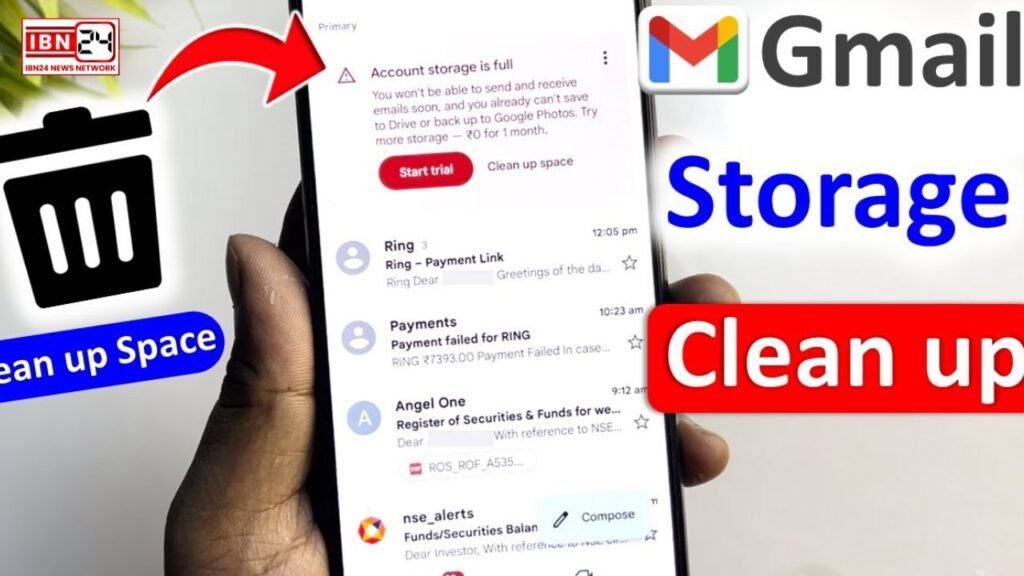
- If you’re not ready to delete certain emails but want a cleaner inbox, consider archiving them.
- Archiving doesn’t delete emails but removes them from the inbox, reducing clutter. You can still search for these emails if you need them in the future.
How to Free Up Space in Gmail: Manage Google Drive and Google Photos
- Gmail shares storage space with Google Drive and Google Photos. To free up additional space:
- Check your Google Drive and delete files you no longer need.
- For Google Photos, compress photos by selecting “Storage saver” mode instead of “Original quality.” This reduces the file size of photos without sacrificing much visual quality.
Empty the Trash and Bin Folders
- Deleting emails, attachments, and files is only the first step. They remain in Trash or Bin for 30 days unless manually removed.
- Go to Gmail’s Trash folder, Google Drive’s Bin, and empty them to free up space instantly.
How to Free Up Space in Gmail: Consider Upgrading Your Storage Plan
- If you frequently use Gmail and Google services, upgrading to a Google One plan might be a long-term solution. Starting at just a few dollars a month, you can expand your storage to 100 GB or more, shared across all Google services.
Conclusion
Gmail storage limits can be a nuisance, but with these methods, you can easily free up space and keep your account running smoothly. Regular maintenance, such as periodically clearing your Promotions tab, unsubscribing from newsletters, and managing attachments, will help prevent the dreaded “storage full” message in the future.
Channal Link : https://youtube.com/@IBN24NewsNetwork?si=ofbILODmUt20-zC3
Read This Also – New Group B Lecturer Recruitment in Haryana